How to Read CIBIL Report: Section-by-Section Decoder
Want to understand your CIBIL report properly? This guide explains how to read a CIBIL report PDF, interpret score details, payment history, credit accounts, and identify issues that may affect loan approvals.

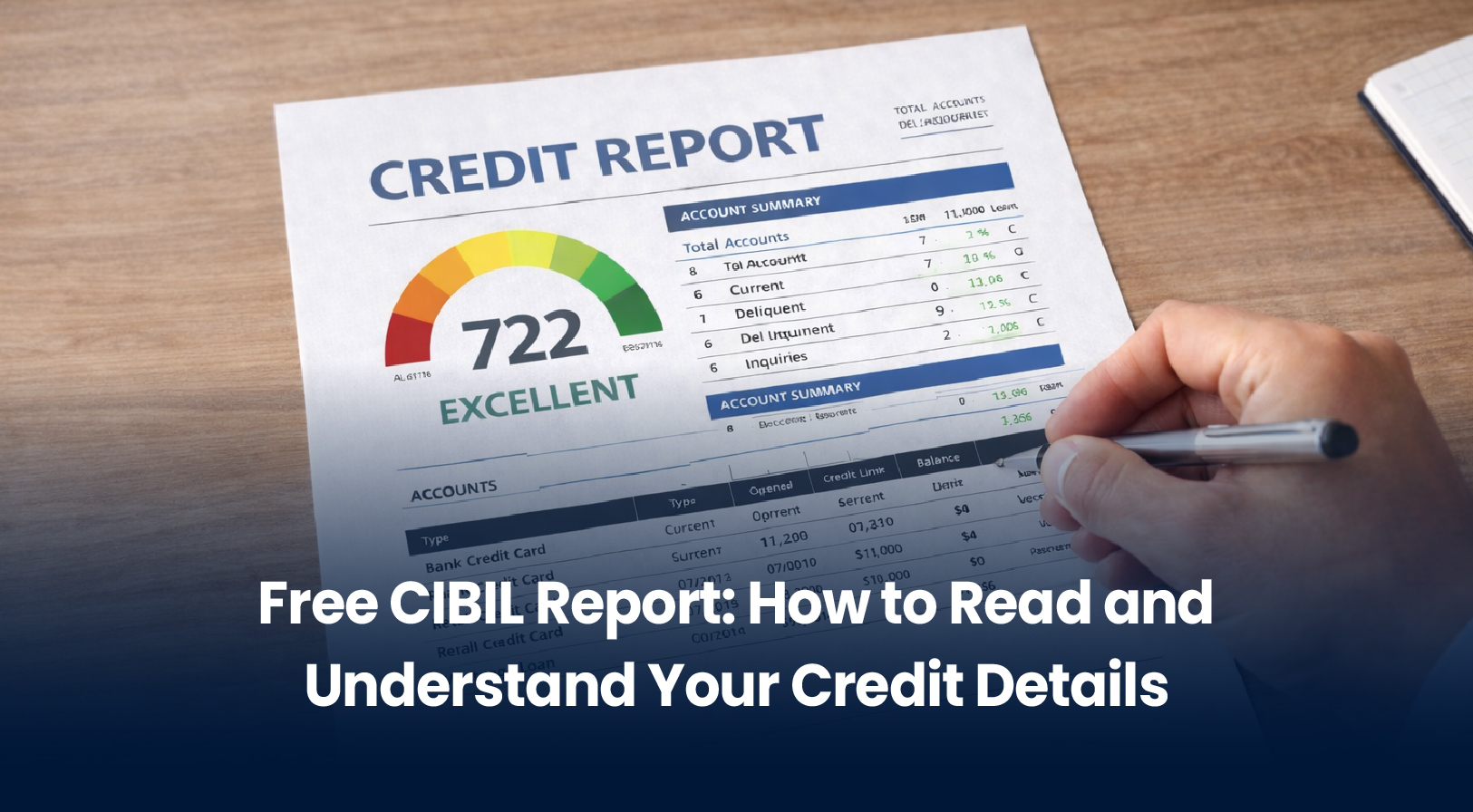
You just downloaded your CIBIL report PDF. It’s 50 pages long. You open it and see tables, codes, numbers you don’t understand. DPD codes. Account status. Enquiry information. What does any of it mean?
Most people feel lost. They don’t know what to look for, which sections matter, or whether their report is accurate.
Here’s the complete decoder. By the end, you’ll understand every section, every code, and exactly how to use your report to improve your credit.
What is a CIBIL Report?
Your CIBIL report is a detailed financial history maintained by TransUnion CIBIL, India’s largest credit bureau. It records:
- Every loan you’ve taken
- Every credit card you own
- How consistently you pay bills
- Any missed payments or defaults
- Who’s checked your credit (and when)
Lenders read this report before approving loans. It directly impacts whether you get approved and what interest rate you pay.
8 Main Sections of Your CIBIL Report
Section 1: CIBIL Score (300-900) This is the headline number. Lenders look here first.
- 750+: Excellent (best rates)
- 700-749: Good (standard rates)
- 650-699: Fair (higher rates)
- <650: Poor (difficult approval)
Section 2: Personal Information Your name, date of birth, gender, PAN, Aadhaar, passport number. Verify this matches your records exactly. Any typos here = problems.
Section 3: Contact Information Your address history (up to 4 past addresses), phone numbers, email. Banks share this data. Check if all addresses are yours. If you see addresses you don’t recognize = potential fraud.
Section 4: Employment Information Your occupation and income at the time you opened each credit account. May be outdated if you’ve changed jobs. This is informational (not used for score calculation) but helps lenders understand income stability.
Section 5: Account Information (MOST IMPORTANT) Lists every loan and credit card. For each account, you’ll see:
- Lender name – Which bank/NBFC issued credit
- Credit type – Personal loan, home loan, credit card, car loan, etc.
- Account number – ID of the account
- Date opened – When you took the loan/opened card
- Sanctioned amount – Total approved amount
- Outstanding balance – How much you still owe
- Date of last payment – When you last paid EMI/bill
- Payment status – Paid, Overdue, Default
- Monthly payment record – Codes showing if each month’s payment was on-time
This section determines 90% of your CIBIL score. This is what lenders scrutinize.
Section 6: Payment History (DPD – Days Past Due) Most critical section. Shows payment status each month for past 36 months using codes:
- STD or 000 = Paid on time (perfect)
- XXX = No payment information available
- 030 = 30 days late (problematic)
- 060 = 60 days late (very bad)
- 090 = 90+ days late (default, severe damage)
Red codes = score drops. One 030 = -20 points. One 090 = -100 points.
Section 7: Enquiry Information Shows who accessed your report and when.
- Hard inquiries = loan applications (damages score 5-10 points each)
- Soft inquiries = employment verification (no score impact)
Too many hard inquiries (5+ in 6 months) = red flag for lenders.
Section 8: Dispute Resolution If you’ve filed disputes about inaccurate information. Shows status of each dispute.
Read More: How to Download Free CIBIL Report: Complete Guide
Understanding DPD Codes (The Key to Everything)
DPD (Days Past Due) is the most important code in your report. It directly impacts your CIBIL score.
Perfect Payment:
- Code: STD or 000
- Meaning: Payment made on-time
- Impact: +Score
Late Payments:
- Code: 030 = 30 days late
- Impact: Score -20 points
Serious Default:
- Code: 090+ = 90+ days late
- Impact: Score -100 points, serious damage
No Data:
- Code: XXX
- Meaning: Bureau has no payment information for that month
- Impact: Neutral (not good or bad)
Looking at your DPD column monthly, you can see your payment discipline over 36 months. Consistent STD/000 = excellent payment behavior. Multiple 030s or one 090 = major credit damage.
Account Status Definitions
Each account shows status:
- Active = Currently open, in use
- Closed = Loan fully paid, closed by you
- Settled = Loan settled with lender (may be after negotiation, implies partial default)
- Closed by lender = Defaulted, lender forclosed
- Written off = Lender gave up, extreme default
Green status = good. Red status = problem.
Common Errors to Look For
Many reports contain errors. Check:
- Accounts you didn’t open – Fraud indicator
- Wrong outstanding balance – Should match latest statement
- Wrong payment status – If you paid on-time but shows late
- Closed accounts still showing active – Should update within 45 days
- Missed payments you actually paid – Check against bank records
- Duplicate entries – Same loan listed twice
- Old defaults not removed – Should disappear after 7 years
Any error = dispute immediately.
How to Verify Accuracy
Step 1: Cross-check personal information Match with your Aadhaar, PAN, passport exactly.
Step 2: Count all your loans/cards Should match what you actually have. Missing one? Fraud check needed.
Step 3: Verify outstanding balances Check latest bank statement for each loan. Should match or be very close.
Step 4: Match payment history Compare DPD codes with your payment records. Did you pay that month? Code should be STD/000.
Step 5: Check enquiry information Do you recognize all lenders who accessed your report? Suspicious enquiry = dispute.
Step 6: Review closed accounts Fully paid loans should show “Closed” status, not “Active.”
If You Find Errors: Dispute Process
Step 1: Document the error Take screenshot, note exact issue, gather supporting documents (bank statements, payment proof).
Step 2: File dispute online Visit cibil.com → Dispute section → File dispute online. Upload documents.
Step 3: Bureau investigates (30-45 days) CIBIL contacts lender to verify information.
Step 4: Report corrected Once verified, error is removed/corrected. Updated report sent.
Don’t ignore errors. They directly hurt loan approval odds.
Using Your Report to Improve Score
Your report shows exactly what’s hurting your score:
- Too many missed payments? Focus on on-time payments for 6+ months
- Too many recent enquiries? Stop applying everywhere, use CreditMitra
- Too much credit card utilization? Pay down balances
- Old defaults? Time heals (after 7 years they disappear)
Strategy:
- Identify weak areas in your report
- Focus on fixing those (usually on-time payments)
- Check report quarterly to track improvement
- Once improved, reapply for better rates
Your Next Steps
- Download your CIBIL report from cibil.com (free annual report)
- Read each section using this guide
- Verify accuracy using the checklist above
- File disputes if errors found
- Track improvement quarterly to monitor progress
Understanding your CIBIL report is the first step to financial empowerment. The codes, sections, and numbers that seemed confusing now make sense. Use this knowledge to improve your creditworthiness and secure better loan terms.
About the Author

Divya Kumari
SEO Strategist & Finance WriterDivya Kumari is an SEO & Content Strategist with experience in organic traffic growth, topical authority building, and content-led SEO strategies. She specializes in creating user-focused content for finance and SaaS websites, helping brands improve visibility through structured content planning, internal linking, and search optimization techniques.
Borrow. Protect. Grow.
All in one app.
- Compare loan offers
- Buy insurance in minutes
- Invest in mutual funds
- Check credit score free
- Track all your applications


Explore More Articles

What to Do When Your Travel Budget Falls Short

How to Finance Your Dream Vacation Responsibly
On this page
About the Author
Divya Kumari
SEO Strategist & Finance WriterDivya Kumari is an SEO & Content Strategist with experience in organic traffic growth, topical authority building, and content-led SEO strategies. She specializes in creating user-focused content for finance and SaaS websites, helping brands improve visibility through structured content planning, internal linking, and search optimization techniques.
Borrow. Protect. Grow.
All in one app.
- Compare loan offers
- Buy insurance in minutes
- Invest in mutual funds
- Check credit score free
- Track all your applications